
Interfaces that build themselves
We build with Flutter's GenUI SDK, the newest AI native rendering layer from Google, to put interfaces in front of your users that assemble themselves in real time.

AI Content vs. GenUI
Most AI features generate what goes inside the screen.
GenUI generates the screen.
Declarative by design
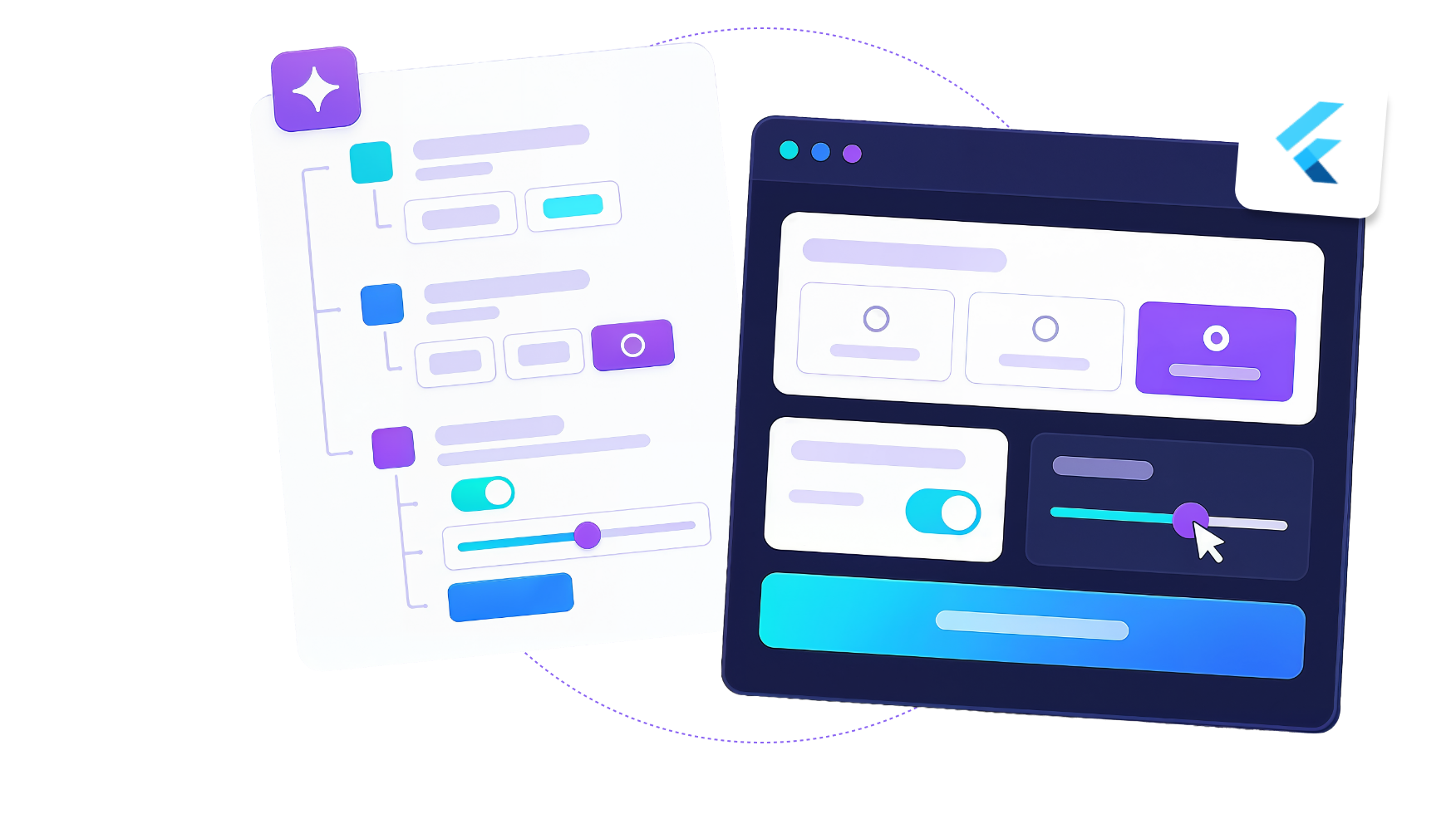
Flutter is a declarative framework. Developers describe what the interface should look like for a given state, and Flutter handles the rendering. That is exactly the model GenUI needs: the AI produces a specification of what to show, and Flutter renders it immediately as real, interactive widgets.
What this looks like in production
Same app, same design system, same data. The difference is what the user finds waiting on the screen.
Banking
A customer opens the app right after an unexpected $400 charge.
The usual dashboard. Balance, a transaction list, and twelve menu items to dig through.
The charge leads the screen, with a dispute action, a breakdown of where the month went, and a one-tap transfer from savings to cover it.
Healthcare
A patient checks in on day three of post-surgical recovery.
A generic care plan and a PDF of discharge instructions covering every day at once.
Today's tasks only, medication timed to their last dose, a symptom check specific to their procedure, and a direct line to the care team when an answer needs attention.
Retail
"I need an outfit for a wedding next Saturday, under $500."
A search results grid, and the work of filtering across four categories left to the shopper.
A complete look assembled on screen. Dress, shoes and clutch, only in sizes in stock, priced against the budget, with a swap option on every item.
Travel & Hospitality
A flight slips four hours, and the guest now lands at 2 am.
The same booking confirmation as yesterday, and a support number to call.
Late check-in instructions, the room held automatically, the airport transfer rebooked to the new arrival, and breakfast moved to a time they will make.

Google is building this in the open
Google ships the official GenUI SDK and the A2UI protocol for Flutter. This is not a side experiment; it is where Google is actively investing in the framework's future, and we are building with it today.
How a GenUI Pilot Works
One flow, one build, one measured answer on whether it belongs in your product.
Scope
We pick the single flow with the most to gain, usually onboarding, support, or discovery. We map your design system into a governed component catalog the model can draw from, and we agree on the numbers this has to beat.
A scoped flow, a component catalog, and the success metrics in writing.
Build
We wire the Flutter GenUI SDK to the flow and to your live data, set the guardrails so the model composes only from approved components, and build the fallback path to the static screen for every failure case.
A working GenUI flow in a real build of your app, behind a feature flag.
Measure
We run it against the static version with real users, tracking completion, engagement, latency, and cost per session. Then we review what the model composed and where it was right.
Results against the metrics, and a clear call on rolling out or stopping here.
Scope a GenUI pilot


Ready to Start Your Journey?

I would love to talk to you about your project or needs.
Fill in the form or send us an email to hello@somniosoftware.com
Got an idea? We’ve got the skills.
Fill out our contact form and we’ll get in touch!
Schedule a call
Feel free to select a time at your convenience!
Questions worth asking
Still have some doubts?
No worries, here are some frequently asked questions that may help you.
Google's GenUI SDK is early, and that is exactly why we work in pilots. We build on a governed component catalog with a fallback to your static screens, so the flow degrades to what you have today instead of breaking. Teams that move now define how their category uses this while everyone else is still reading about it.
It requires one. GenUI composes screens from a catalog of your approved components, so the output carries your spacing, your typography and your brand rules by construction. A strong design system makes this work better, not harder.
It composes only from the components you approve, with the rules you set on how they can be arranged. The model chooses which of your pieces to show and in what order. It never writes raw interface code, which is what separates this from asking an AI to generate a page.
A2UI is the open specification Google published for how an AI agent describes an interface to a client app. The agent sends a structured description of what to render, and Flutter turns it into real widgets. Building on the protocol keeps you portable across models and agents rather than locked to one vendor.
The idea generalizes, but Flutter is where it works best today. Flutter is declarative and renders its own components, so a generated specification becomes a real, interactive screen immediately. Google also ships the SDK for Flutter first, which is where the tooling is most mature.
No. A chatbot returns a conversation. GenUI returns your product's actual interface, assembled for the moment the user is in. There is no chat window required at all, and in most of what we build there isn't one.
You test the catalog and the rules, not every possible screen. Each component is tested the way it always was, the composition rules are validated against real inputs, and every generated screen is logged so you can review what the model built and why.
Every generated screen is a model call, so cost scales with usage. We control it the same way we control latency, by caching common compositions, routing simple cases to smaller models, and reserving generation for the moments where it changes the outcome. Measuring cost per session is part of the pilot, not an afterthought.